
Stock and sold out
Each product can count stock or not. Without a number, it sells until you say it is sold out. With a number, your shop lowers it with every order and shows the product as sold out at 0.
Set how many are left
Section titled “Set how many are left”Type or say the product and the number, for example Medium roast: 3 left. Tellsell shows a preview, and you tap Publish.
Medium roast, 3 bags left
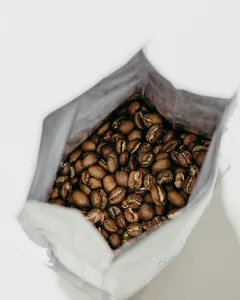
Medium roast 250 g฿3203 leftPublishEdit
For products with options, give the number per option, for example Cat T-shirt size M: 2 left. An option at 0 can’t be chosen; the others still sell.
Sold out and back in stock
Section titled “Sold out and back in stock”| You type | What happens |
|---|---|
Iced latte is sold out today |
The product shows Sold out; buyers can’t add it to the cart |
Iced latte is back |
The product is on sale again |
Size L sold out (while editing the shirt) |
Only option L is sold out |
Your shop never oversells
Section titled “Your shop never oversells”- Stock is taken when the buyer places the order, in the same step that saves it, so the last piece sells only once. If two buyers order it at the same moment, the second one sees it is sold out.
- Prices and stock are always worked out again on the server, never taken from the cart in the browser.
- When you cancel an order, or an order expires unpaid, its stock goes back by itself.