
The LINE menu
The menu sits under the Tellsell chat; tap to open or close it. Menu buttons never count as AI processes.
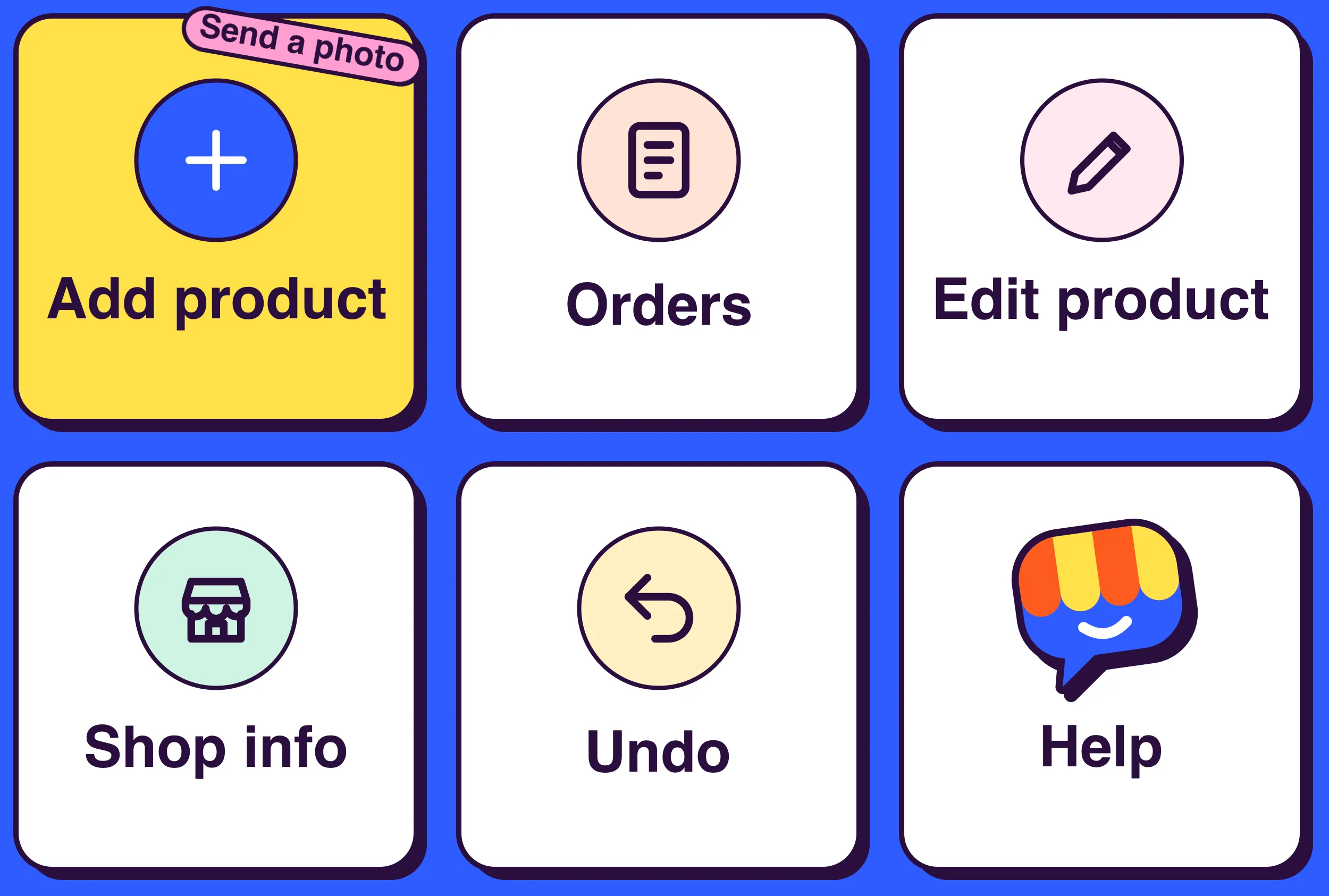
Every button
Section titled “Every button”| Button | What it does | Who |
|---|---|---|
| Add product | Explains how to send a photo, name and price | Owner, staff |
| Orders | Orders that need you, most urgent first: see Orders in LINE | Owner, staff |
| Edit product | Pick a product to change: see Edit and delete products | Owner, staff |
| Shop info | Opening hours, address, phone and banner: see Shop info | Owner |
| Undo | Takes back your last change: see Undo | Owner |
| Help | Short how-to and where shop settings are | Everyone |
| Switch shop | Appears when your LINE is linked to several shops: see Switch shop | Everyone |
The menu’s language
Section titled “The menu’s language”The menu follows the main language of the shop you are working on. Thai shops get this menu:
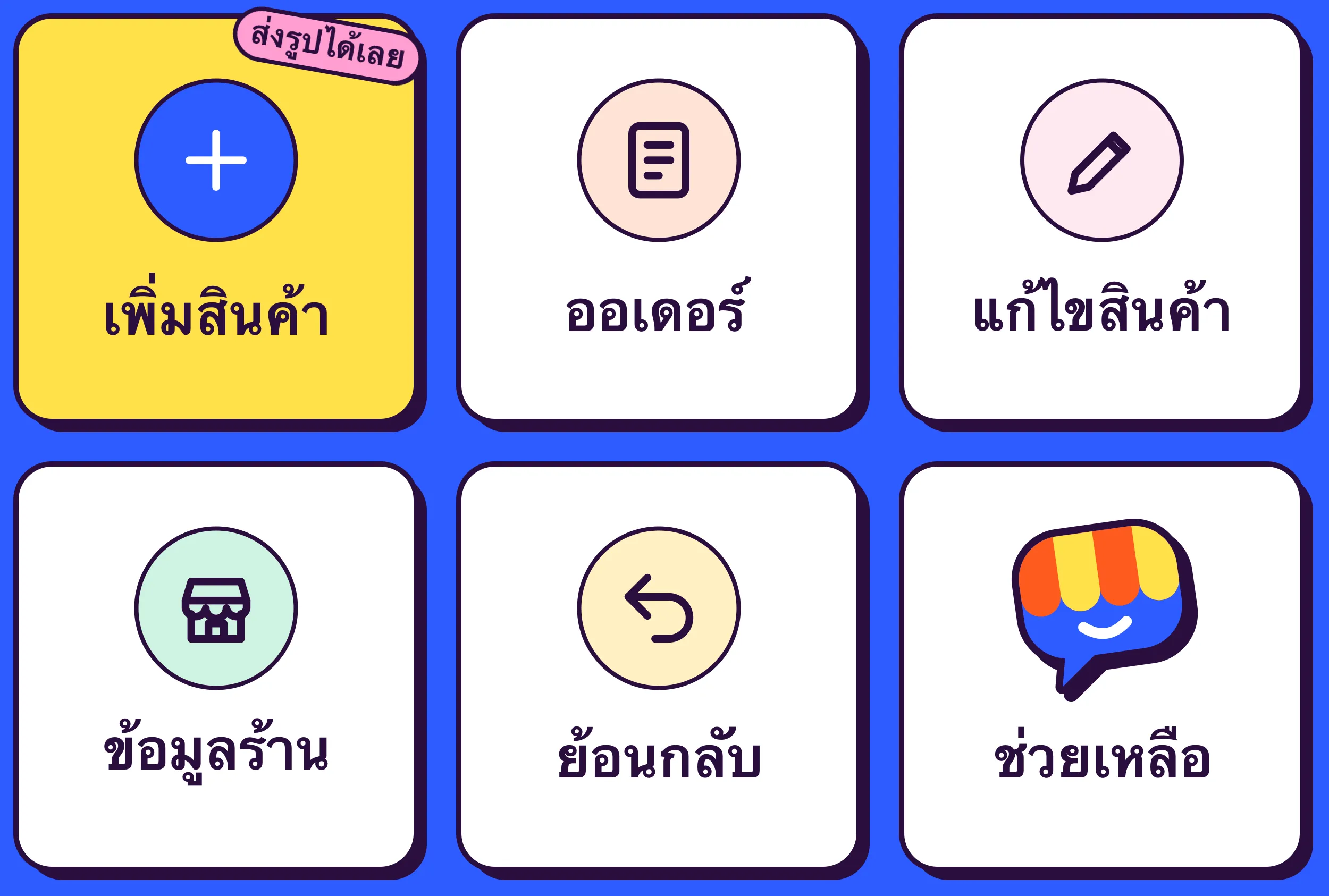
If the menu doesn’t show, close and reopen the Tellsell chat, or send any message: the menu is set again.